UI Markup Tool - Bridge the gap between UI and AI
Wednesday, September 23, 2026
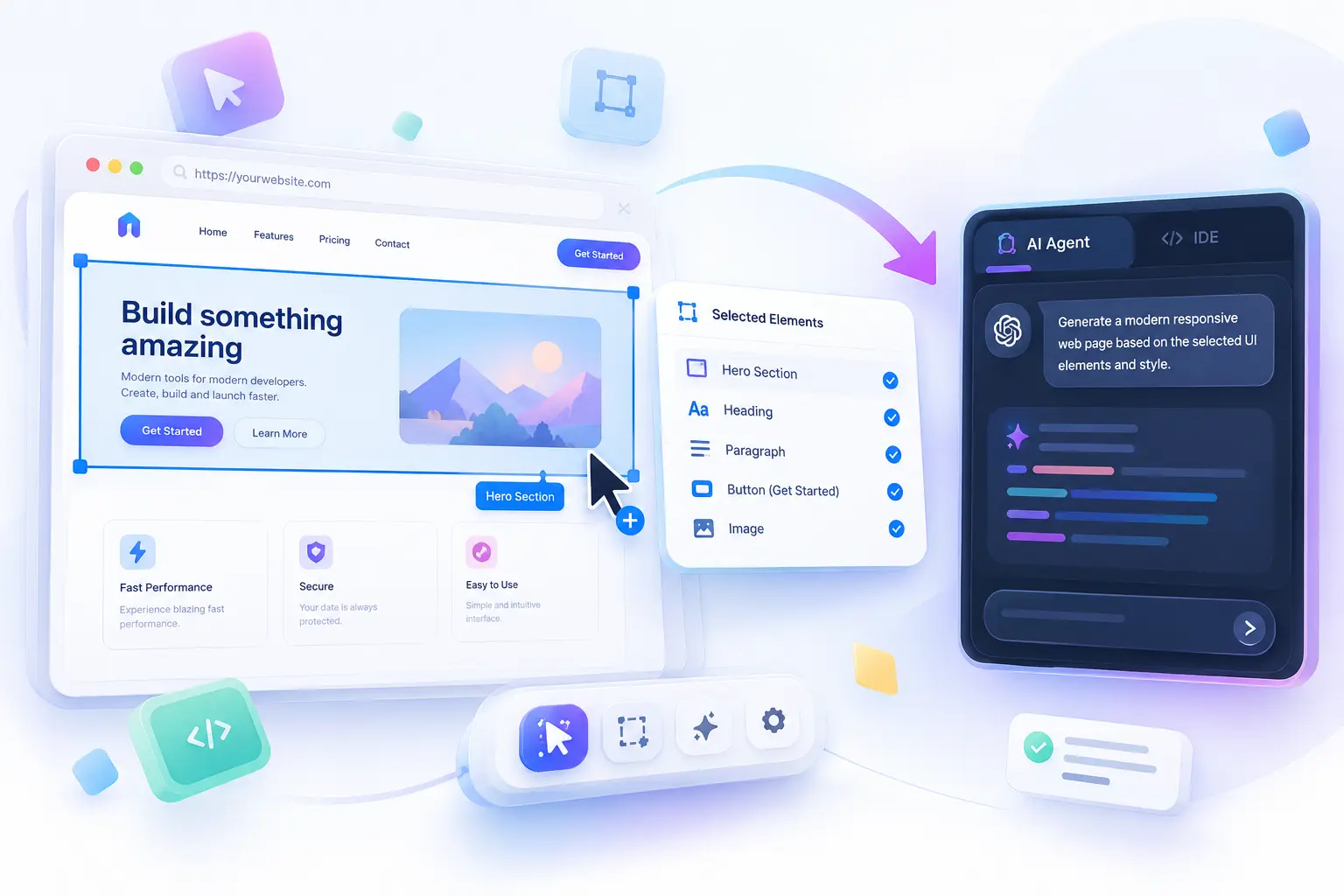
A production-grade Model Context Protocol (MCP) tool. Inspect DOM elements, annotate UI, and instantly sync React state and computed CSS into your Antigravity agent.
Architecture Flow
Zero-configuration infrastructure connecting your browser to your local AI.

Enterprise Capabilities
Built for absolute precision and zero interference.

Documentation
1. Prerequisites
Because the tool utilizes the NPM ecosystem, you must have Node.js installed on your machine. We recommend version 18 or higher.
2. Initialization
To initialize the daemon and install the necessary MCP configurations into your Antigravity workspace, run the following command in your terminal:
This single command will spin up the local HTTP/SSE bridge daemon and automatically register the server into your .agents/mcp_config.json file.
3. Chrome Extension Installation
For the best developer experience, use the Markup Bridge Chrome Extension to inject the client UI across any local or remote web application:
- Navigate to
chrome://extensionsin your Google Chrome browser. - Enable Developer Mode in the top right corner.
- Select Load unpacked.
- Select the
extension/directory located within the downloaded repository. - Click the Markup Bridge extension icon in your toolbar to toggle the inspector on your active tab.
4. Antigravity AI Context
When feedback is submitted, your Antigravity AI agent can natively read and act on the feedback queue. The agent receives a comprehensive context payload containing:
- Target Element Selectors
- Full URL and Page Context (Path, Search queries, Viewport)
- Extracted CSS Computed Styles & React Component State
- Base64 Screenshot Snippets
Github Repository :
Tutorial :
Markup Bridge © 2026. Released under the MIT License.
Designed & Developed by Kabya Ghosh